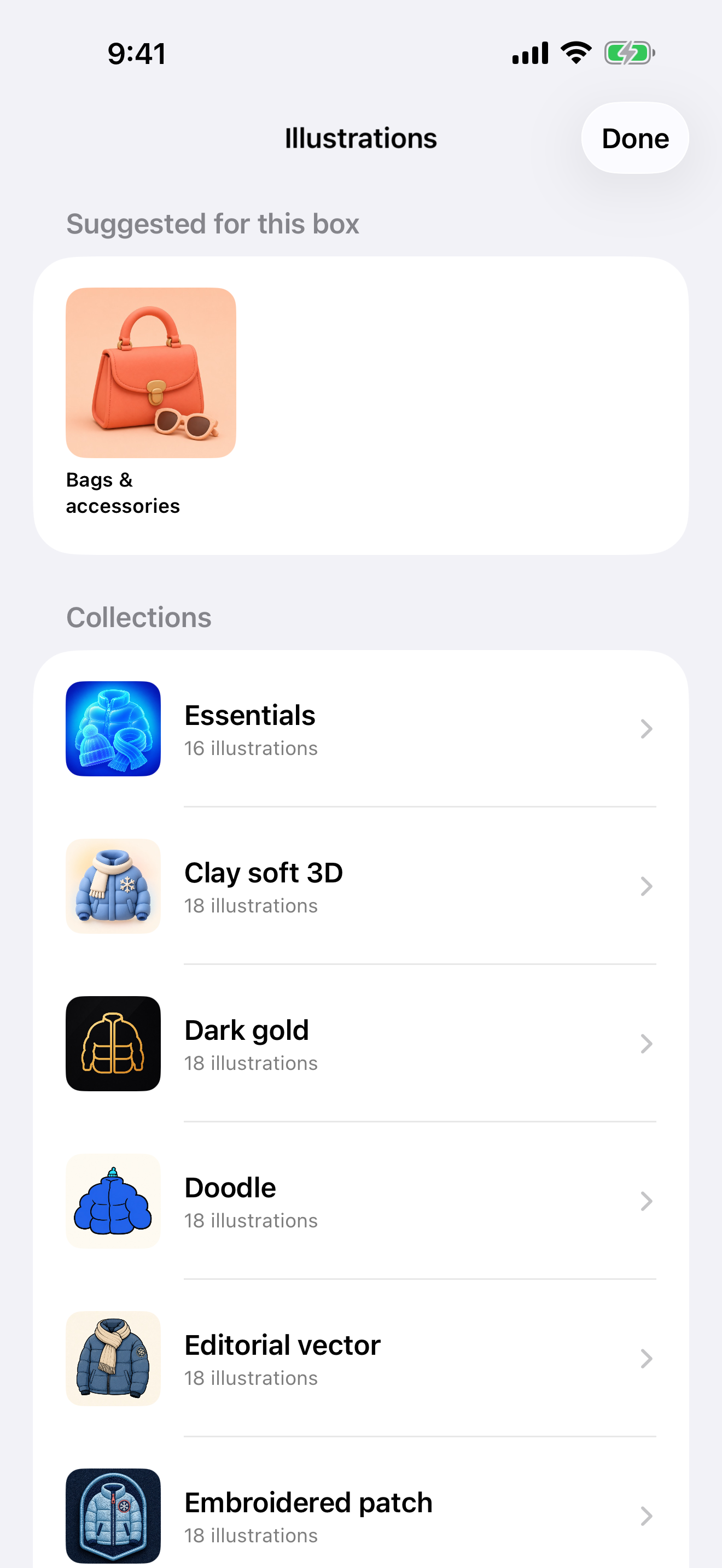
Covers you can recognize
Choose curated illustrations, expressive gradients, useful icons, or your own photos.

Dispensa 1.3
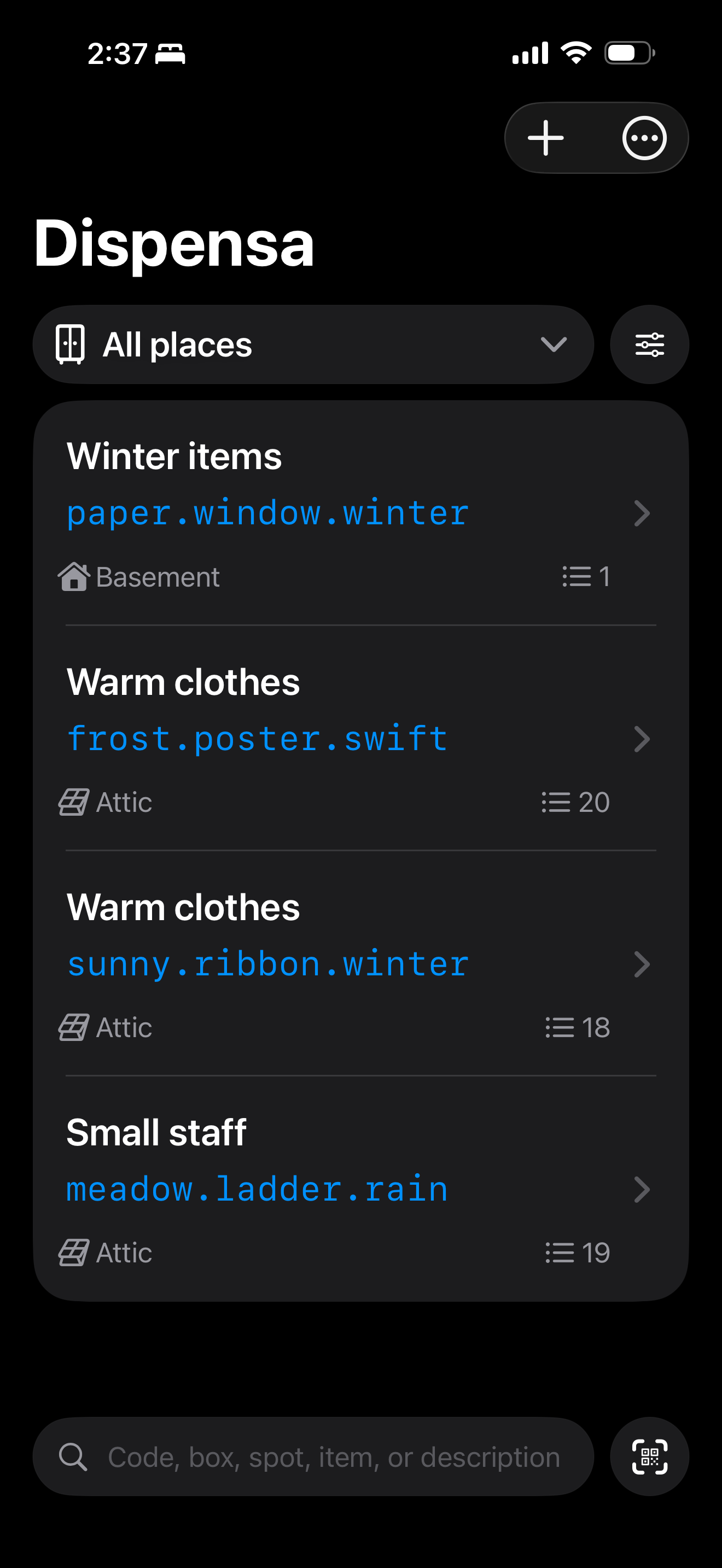
Home inventory for iPhone
Give every box a recognizable cover, add the things inside, print a QR label, and find what you need without opening everything again.
What’s new in 1.3
The biggest Dispensa update yet improves how a box looks, how quickly an item can be found, and how safely a household stays in sync.
Choose curated illustrations, expressive gradients, useful icons, or your own photos.
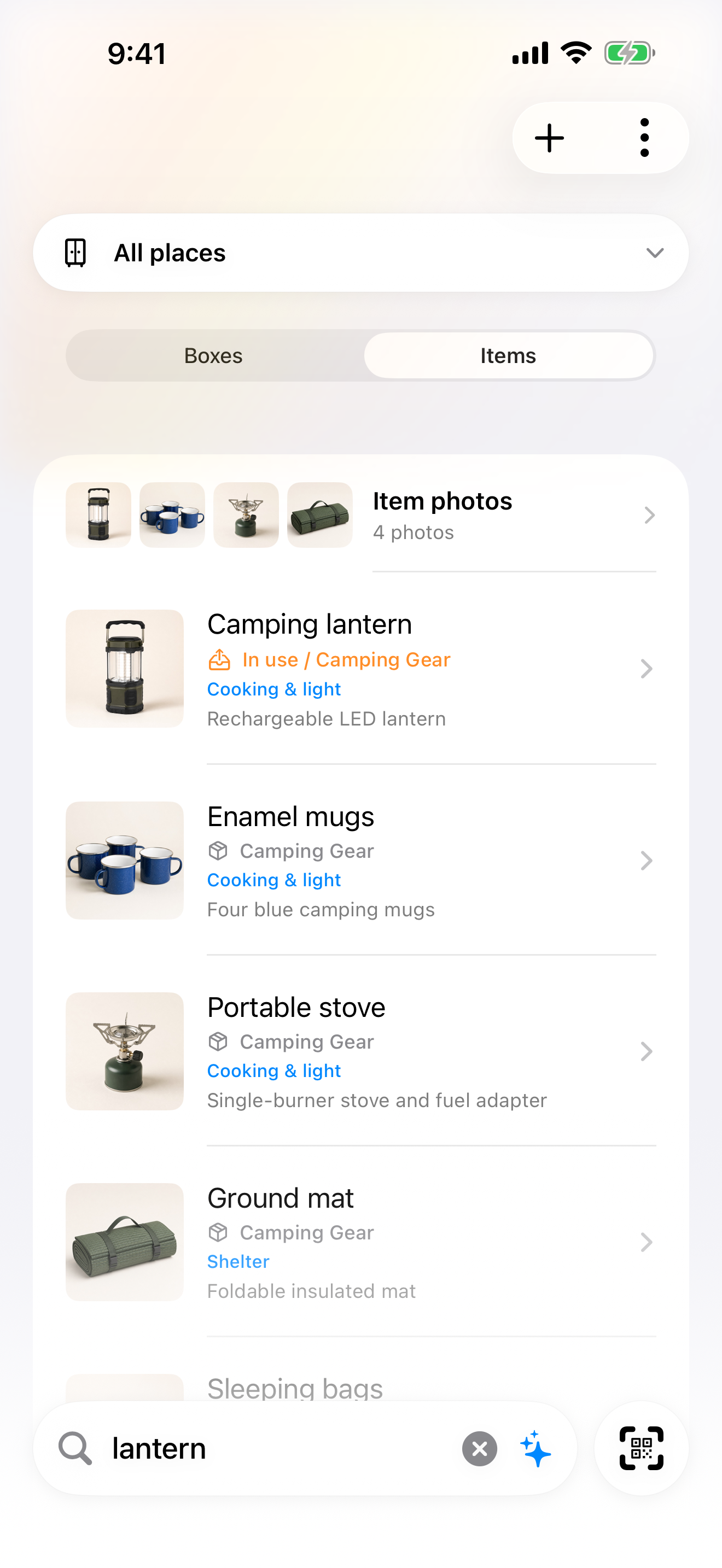
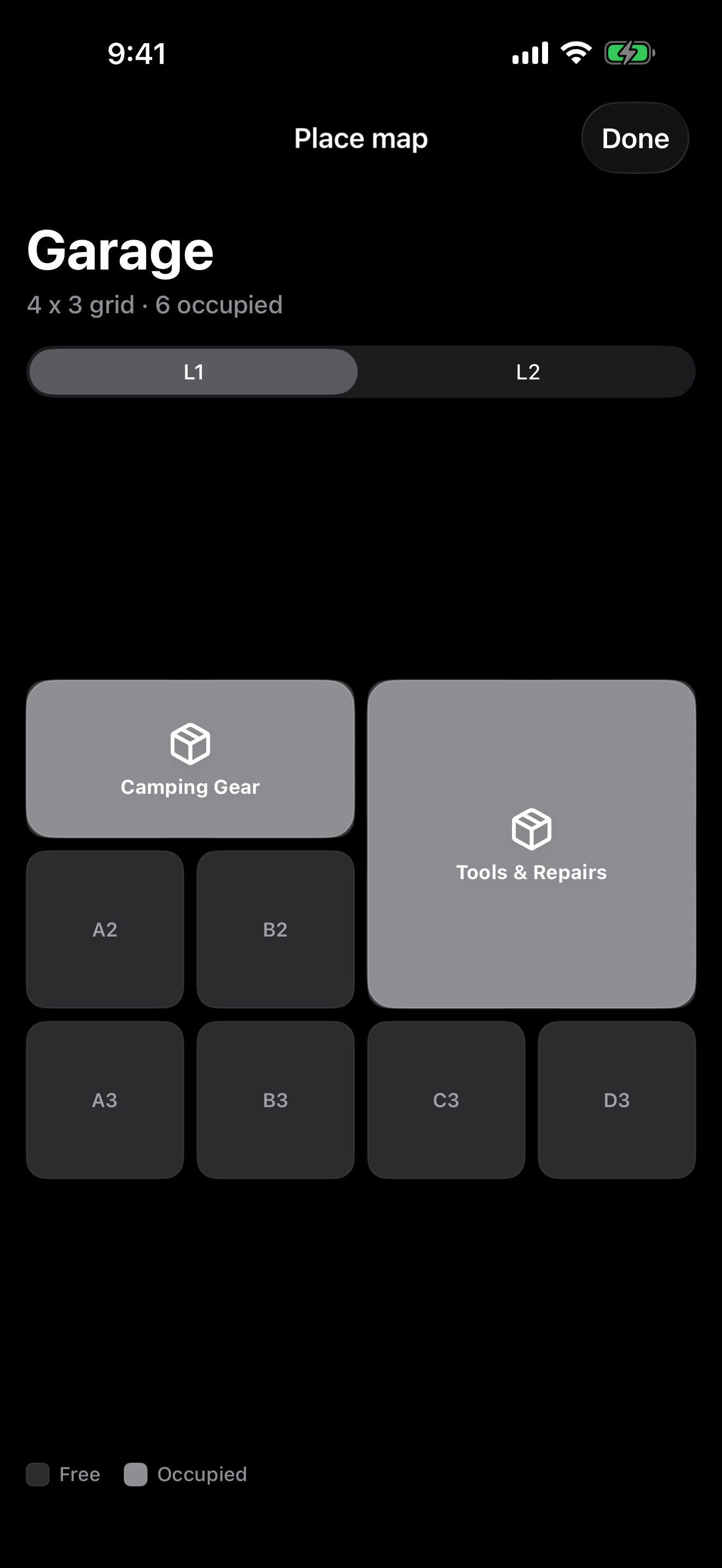
Search boxes and items by title, group, description, place, exact spot, or readable code.
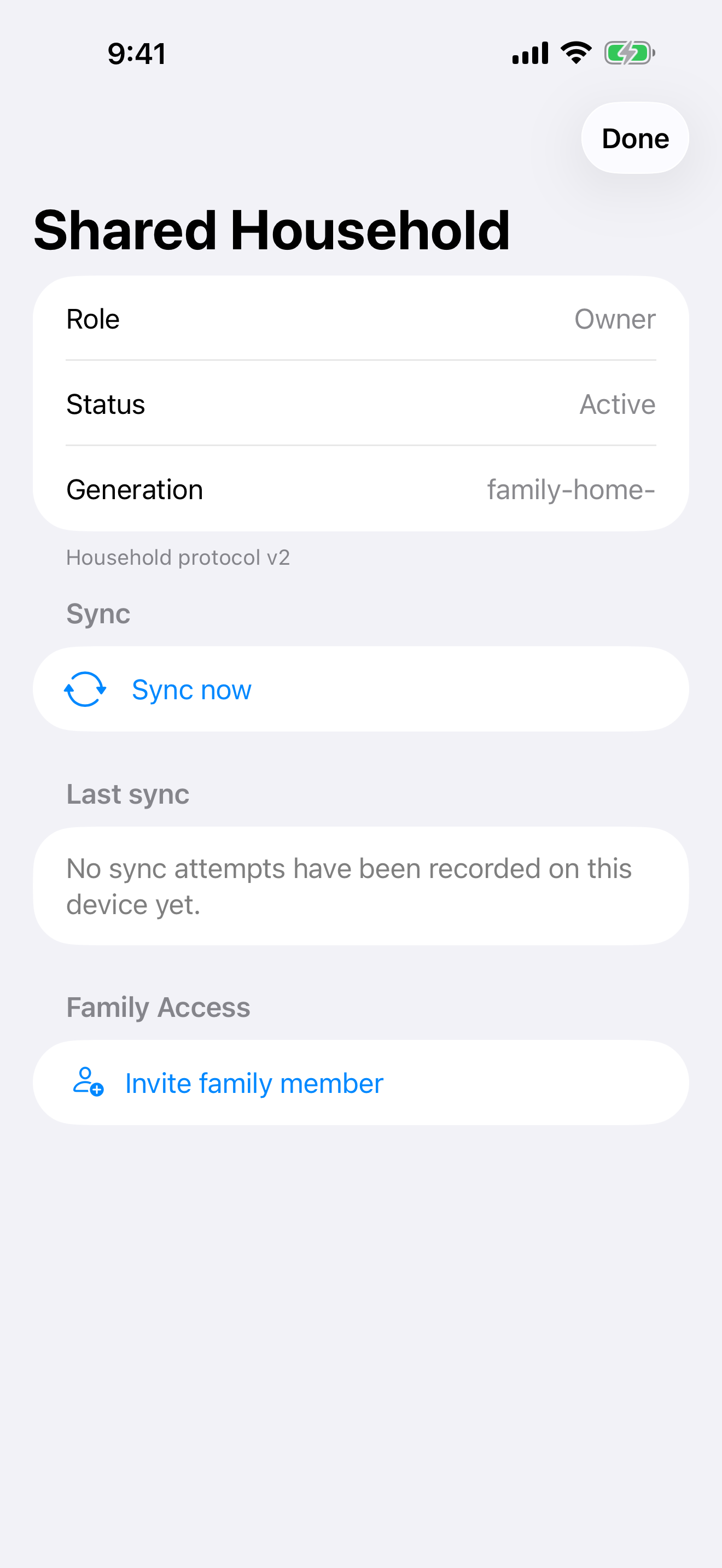
A redesigned iCloud sync protocol adds clearer progress, recovery, and diagnostics.
Review photos full screen, choose a storage profile, and create smaller verified backups.
Made for real storage
Free
The essentials for a personal home inventory.
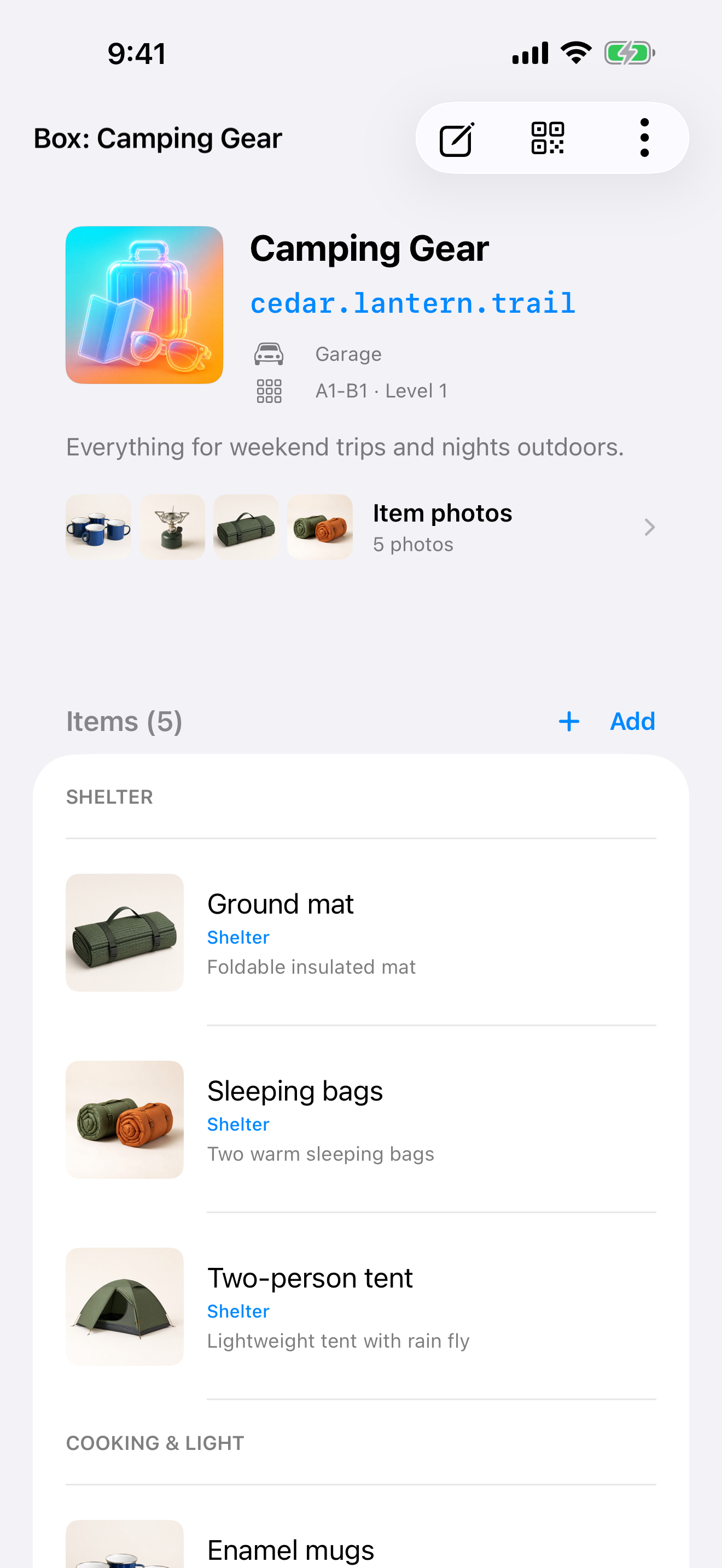
Track titles, descriptions, groups, photos, storage status, and exact spots.
Create scannable labels with readable three-word box codes.
Search titles, descriptions, groups, places, spots, and codes on your device.
Organize two places for free, such as a closet and a garage.
Export and import your inventory when you want a manual backup.
Dispensa Pro
Family sharing, advanced tools, and room to expand.
Yearly subscription. Renews automatically until canceled.
Keep one family inventory synchronized through your iCloud account.
Use optional cloud recognition modes and yearly AI credits.
Add items from photos and update multiple boxes or items faster.
Map larger homes, garages, offices, and storage rooms without a place limit.
Unlock complete illustration collections and custom QR label options.
Browse complete photo slideshows for boxes and search results.
Your inventory is stored on your device. Shared Household uses your iCloud account only when you enable it, and AI recognition sends a selected photo only when you explicitly request a cloud recognition mode.
More private iPhone tools
If you like Dispensa’s practical, private approach, these apps bring the same care to listening and healthier screen habits.

Keep personal and family stories close
Listen to your own audiobook library, leave meaningful bookmarks, and record family stories without sending the library to our servers.
Small breaks for everyday screen time
Set a work schedule, follow short guided eye exercises, and keep vision screening private on your iPhone.